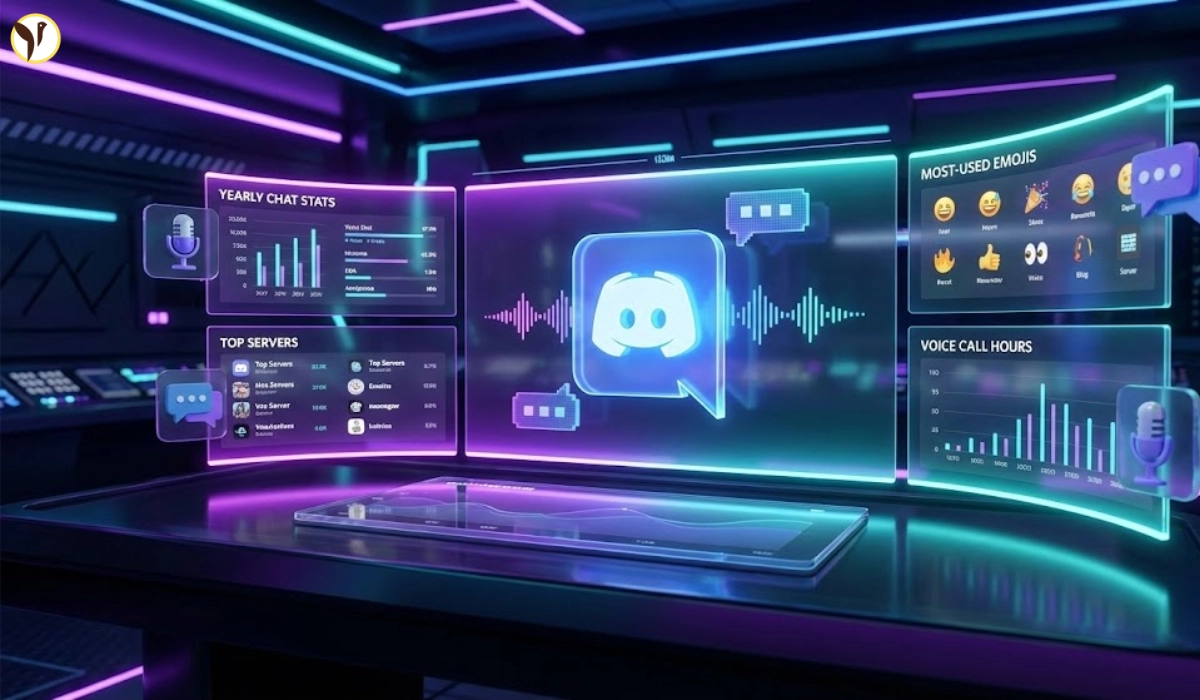


Discord Wrapped 2025, officially called Discord Checkpoint, is a new feature that gives you a fun, personalized recap of your Discord activity for the past year. Inspired by Spotify Wrapped, this feature shows you stats like how many messages you sent, your favorite servers, top friends, and more. It's rolling out to all Discord users starting December 4, 2025, and is available on both mobile and desktop apps.

How to Check Discord Wrapped 2025 on Mobile
Checking your Discord Wrapped 2025 on mobile is easy. Just follow these steps:
- Make sure your Discord app is updated to the latest version.
- Open the Discord app and tap your profile picture.
- Go to the “You” tab at the bottom-right corner.
- Look for the Checkpoint banner and tap it.
- Your Discord Wrapped 2025 recap will start showing your stats, including messages sent, favorite servers, and more.
How to Check Discord Wrapped 2025 on Desktop
If you use Discord on your computer, here’s how to find your Wrapped:
- Open Discord on your desktop app or browser.
- Make sure your app is updated.
- Look for a small flag icon in the top-right corner near your inbox.
- Click on the flag icon to start your Discord Checkpoint.
- Follow the prompts to see your year-end stats and recap.
What Stats Can You See in Discord Wrapped 2025?
Discord Wrapped 2025 shows a variety of stats, including:
- Number of messages sent in 2025
- Favorite servers you joined
- Most active friends and channels
- Time spent on Discord (voice and text)
- Fun badges and milestones for your activity
Why Is Discord Wrapped 2025 Important?
Discord Wrapped 2025 is more than just a fun recap. It lets you see your growth, interactions, and favorite moments on Discord throughout the year. It’s a great way to celebrate your achievements, share stats with friends, and relive your Discord journey. Plus, it’s a cool feature for gamers, streamers, and anyone who loves online communities.
Cara Melihat Discord Checkpoint 2025 (discord wrapped)https://t.co/o1KDdDq1o3
— Jurnalzone.id (@jurnalzoneid) December 5, 2025
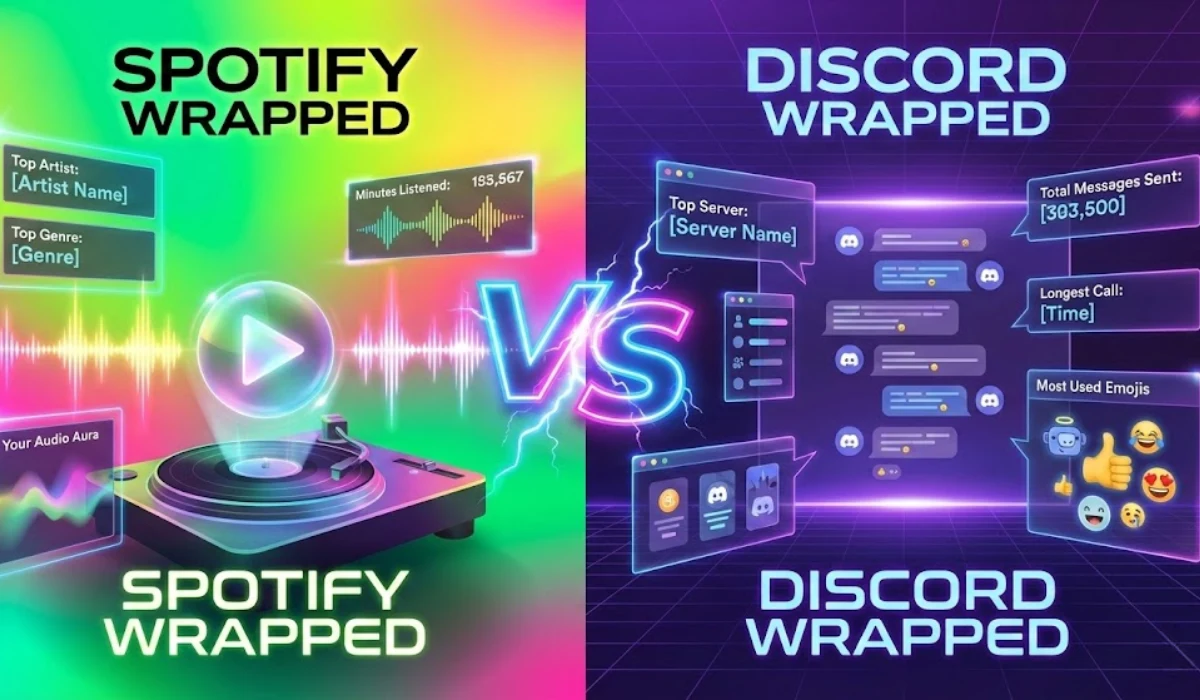
Discord Wrapped vs Spotify Wrapped: What’s the Difference?
Discord Wrapped 2025 and Spotify Wrapped 2025 both offer fun, personalized year-end recaps, but they focus on different activities and stats.
- Spotify Wrapped is all about your music and podcast habits. It shows your top songs, artists, genres, total listening time, and even your "listening age" based on the music you prefer. Spotify also lets you compare stats with friends using new features like "Wrapped Party" and a "Fan Leaderboard".
- Discord Wrapped (called Discord Checkpoint) tracks your activity on Discord. It reveals stats like how many messages you sent, your favorite servers, top friends, time spent in voice chats, and more. It’s perfect for gamers, streamers, and anyone who loves online communities
Both recaps are interactive and shareable, but Spotify Wrapped is for music lovers, while Discord Wrapped is for those who spend time chatting and gaming online
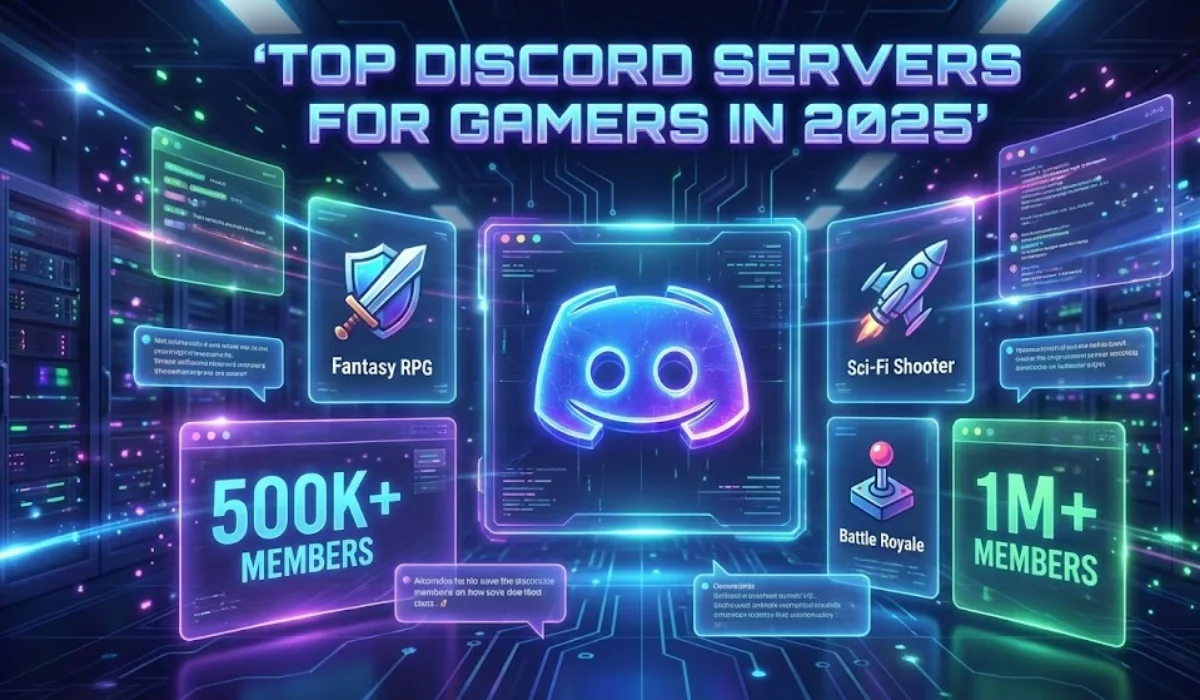
Top Discord Servers for Gamers in 2025
If you love gaming and want to join the best Discord servers in 2025, here are some top picks:
- Official Game Servers: Many popular games like Fortnite, Minecraft, Valorant, and Apex Legends have their own official Discord servers. These are great for getting news, updates, and connecting with other players.
- Gaming Community Hubs: Servers like "Gaming Central" and "Gamers United" bring together fans of all games. You can chat, share tips, and join multiplayer sessions.
- Esports and Tournaments: Join servers focused on esports, like "Esports Arena" or "Tournament Central," to follow live events, join competitions, and connect with pro players.
- Game-Specific Fan Servers: If you love a specific game, look for fan-run servers. For example, "Minecraft Builders" or "Fortnite Clan" are great for finding like-minded fans and sharing your creations.
These servers help gamers connect, compete, and have fun online. Make sure to check server rules and stay respectful to keep the community friendly.